scanning
-
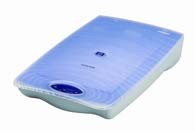 The HP ScanJet 3400C is controlled from
NTWS18. [If you get a "scanner link failed" error
message, turn the scanner on and restart the computer.
The HP ScanJet 3400C is controlled from
NTWS18. [If you get a "scanner link failed" error
message, turn the scanner on and restart the computer.
Use Microsoft Office Document Scanning to Scan a Document - Click Start > Programs > Microsoft Office > Microsoft Office Tools > Microsoft Document Scanning
- Choose the document type in the Scanning Dialogue Box
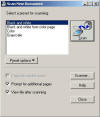
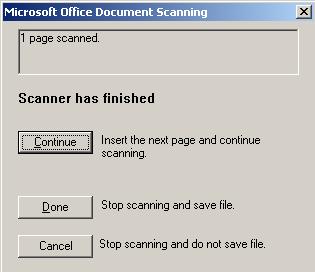
- Click Scan--wait until "Scanner Has Finished" Dialogue Box
appears (first scans are especially slow).
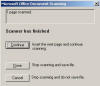
- Choose "Continue" for multiple pages in the same file or "Done"
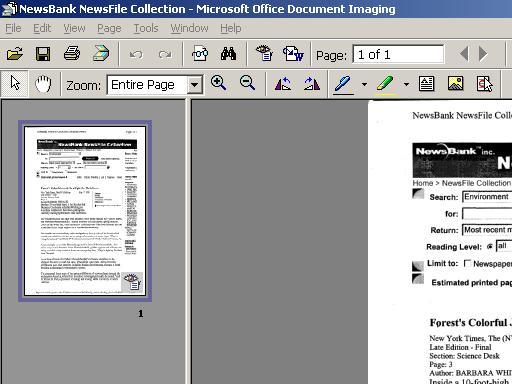
to stop scanning--the document will be sent to Document Imaging
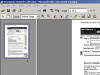
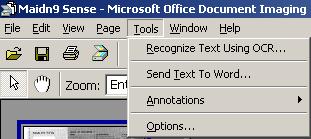
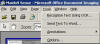
- Choose "Send Document to Word" on the Tools Menu
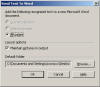
- Edit and Save the Word file
Use Microsoft Paint to Scan an Image
- Click Start > Programs > Accessories > Paint
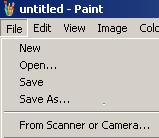
- Click File > From Scanner or Camera
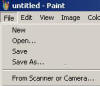
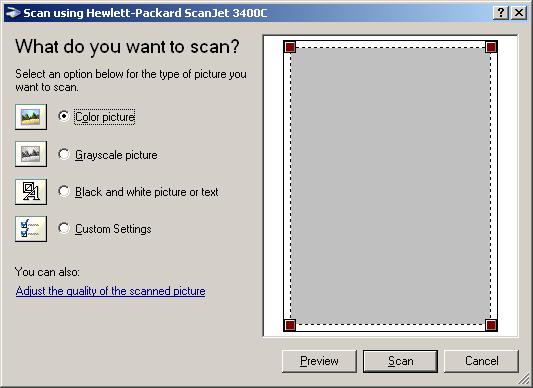
- The "What do you want to scan" dialogue box will open--
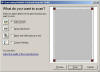
- Click Preview and use the sizing box to select a partial image (the Scanner will choose the largest image on the scanning bed)
- Click Scan
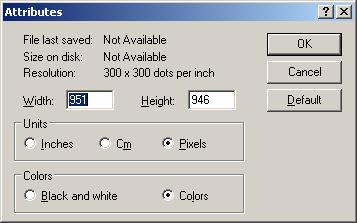
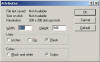
- use the Image menu for editing--Attributes can be used for
resizing.
- Click Save on the File menu, name the file and choose a location a location and format for the image.
Some Useful Websites:
- "Best graphics formats" (description of formats and suitability for web and print use)
- About.com's "Scanning Tutorials"